quince 2
A computer-aided composition environment
What Is Quince?
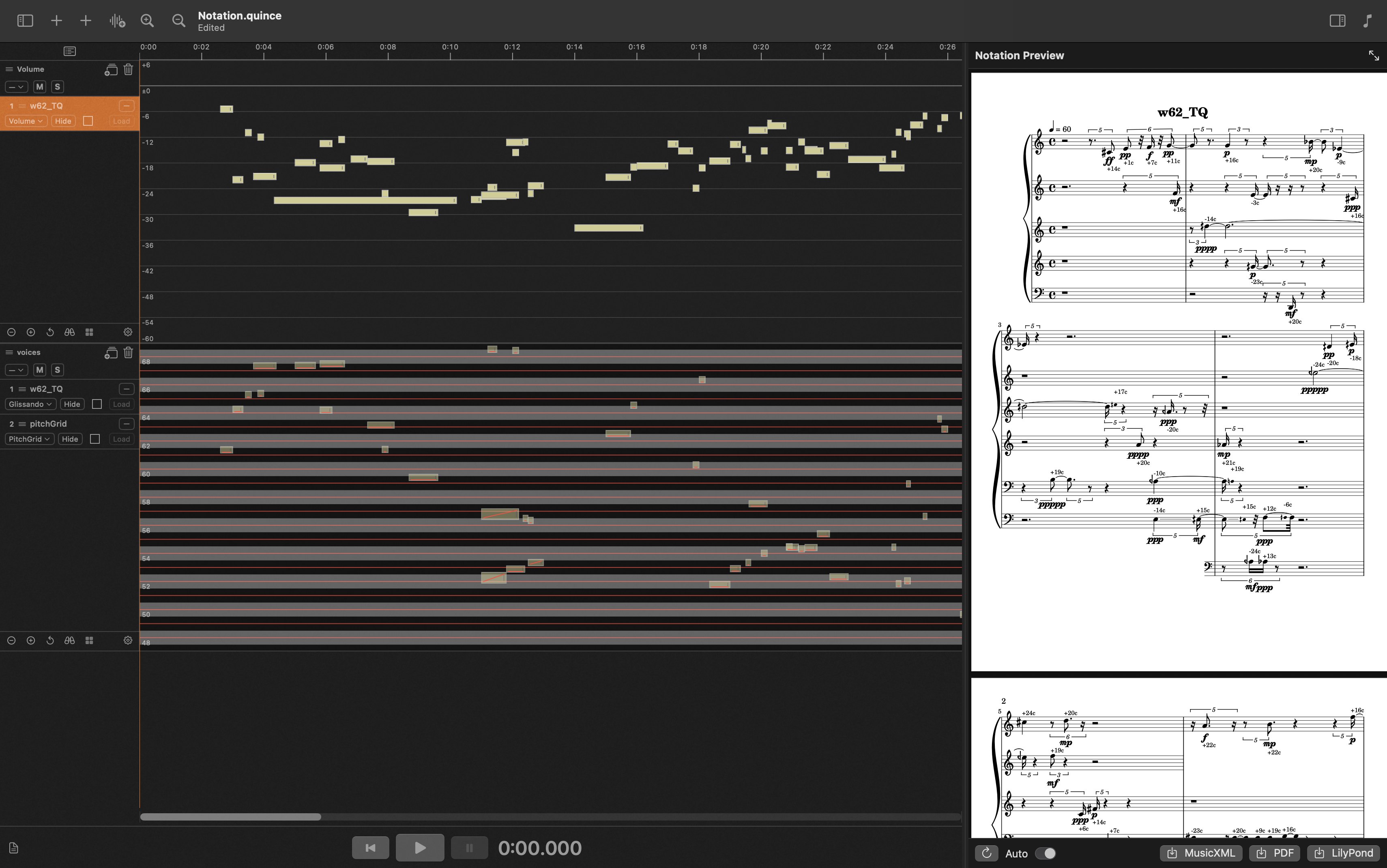
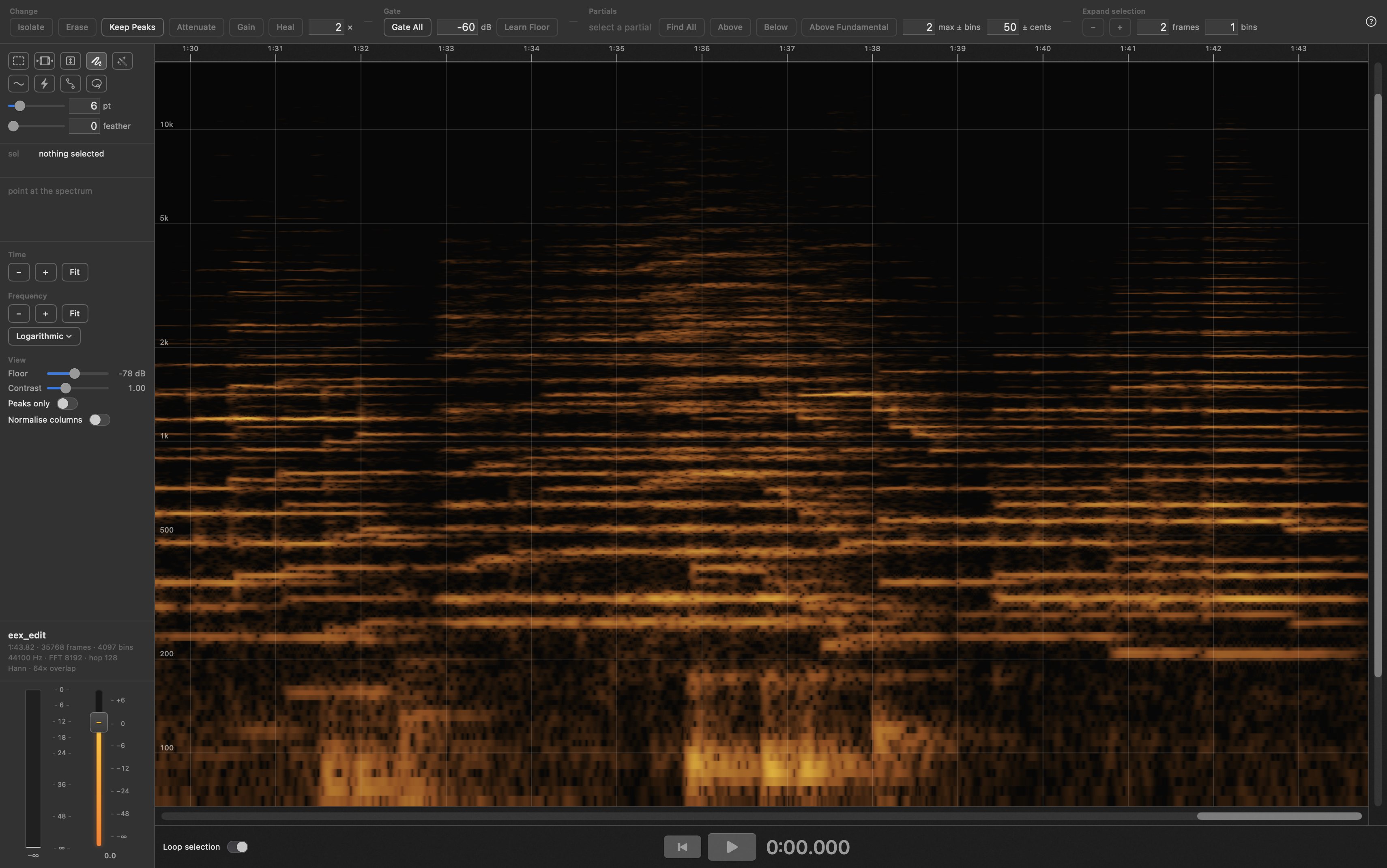
Quince is a program for editing time-based data on the Mac. Although Quince was developed to serve musical purposes, not only audio but also video and any other time-based data type can be edited in Quince. Generally speaking, the main application for Quince is the creation and editing of sequences of events in time. Hence audio editing tools, MIDI, OSC, notation, video etc. are all built in.
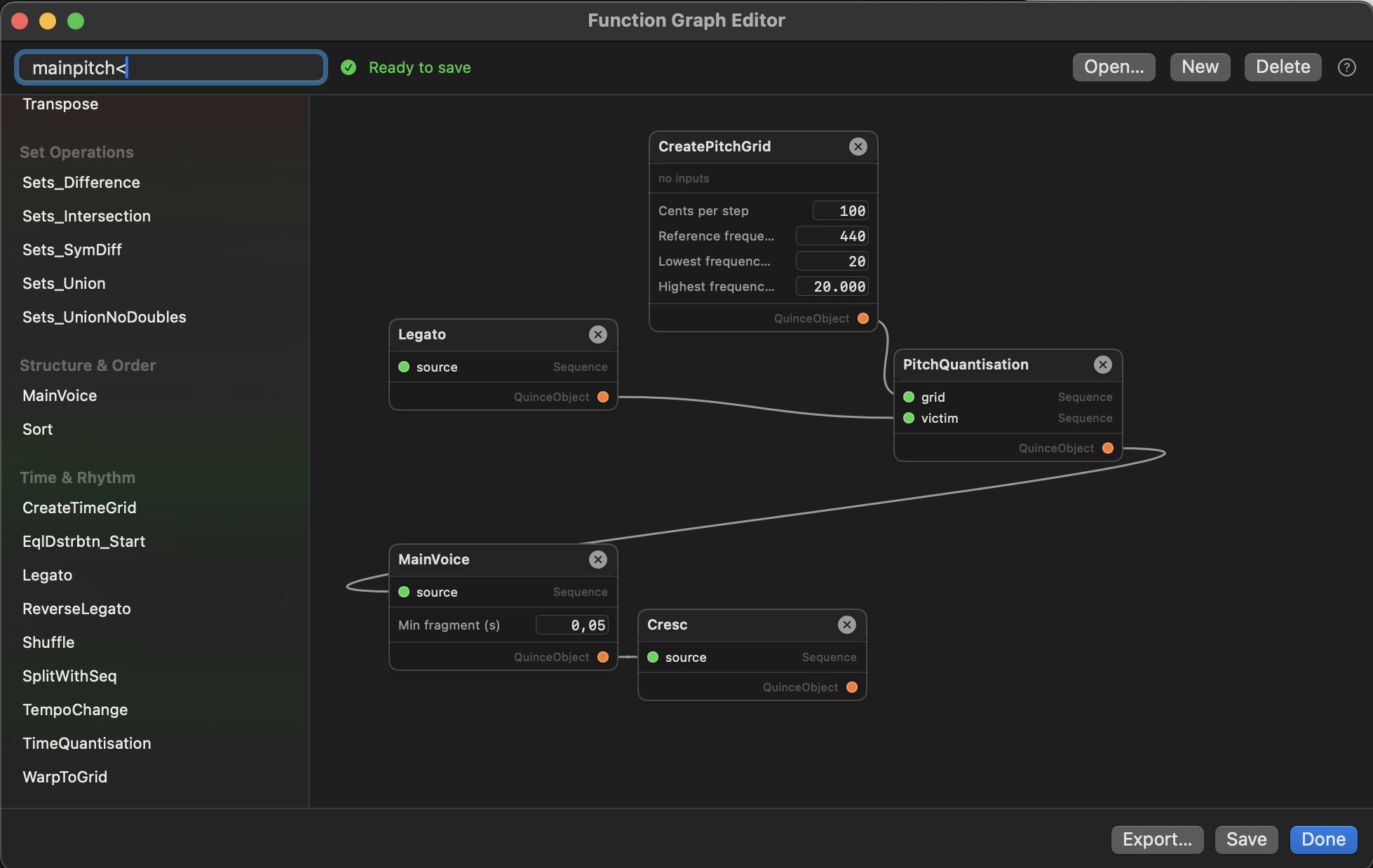
Underneath it all is one simple idea: a sequence is a tree of events, and an event in Quince is anything with a start and a duration — a note, a sound, a video snippet, a panning change, a shell script, or a whole other sequence tucked inside the first one. You can give an event whatever parameters you need it to have — a pitch, a volume, a MIDI message, a colour value, a Csound instrument call, an aspect ratio, an opacity value, a shell script, anything. You can build and edit sequences by hand, or use Quince’s built-in functions that generate, manipulate, or analyse sequences or other data for you.
Why Not Just Use a DAW
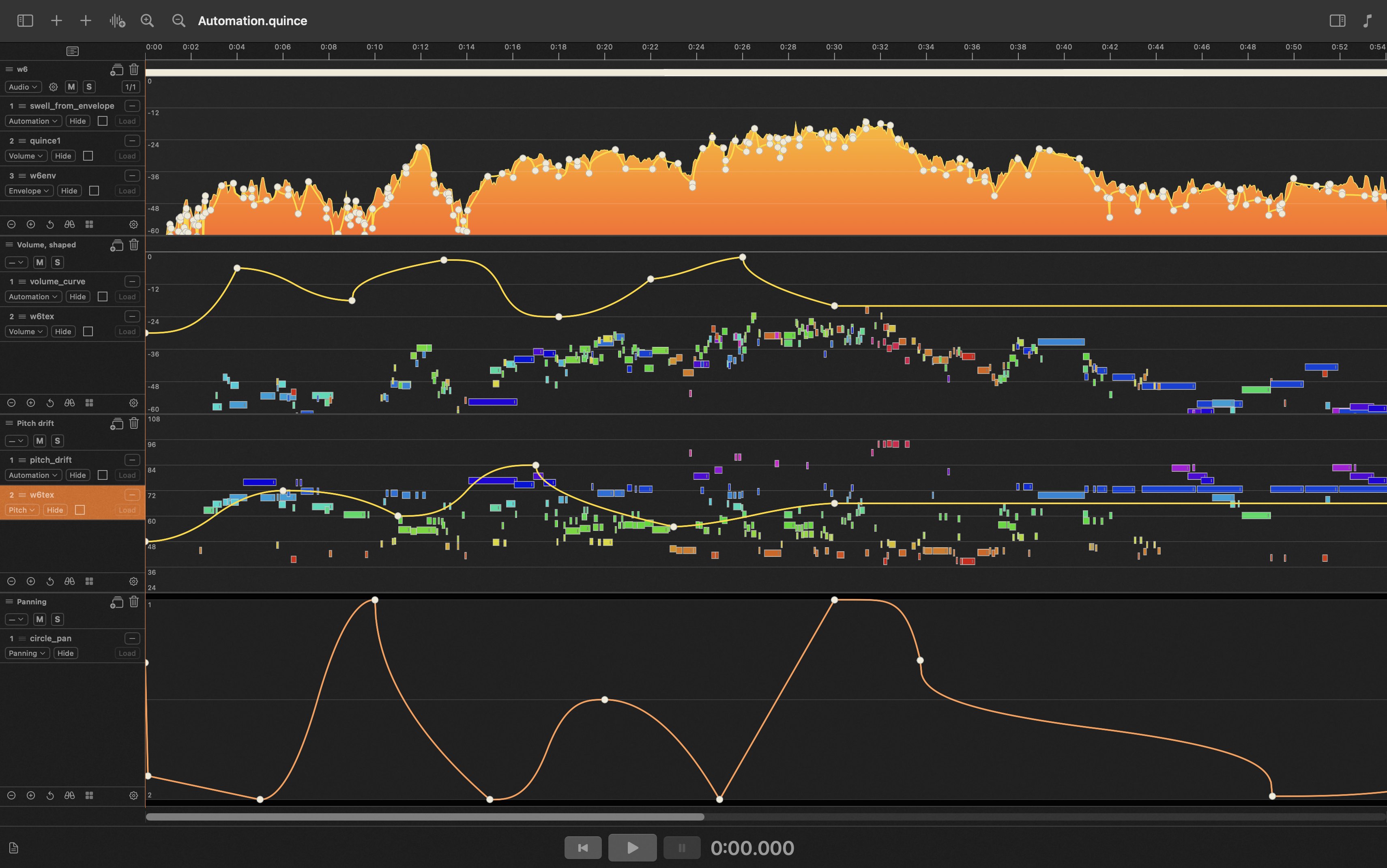
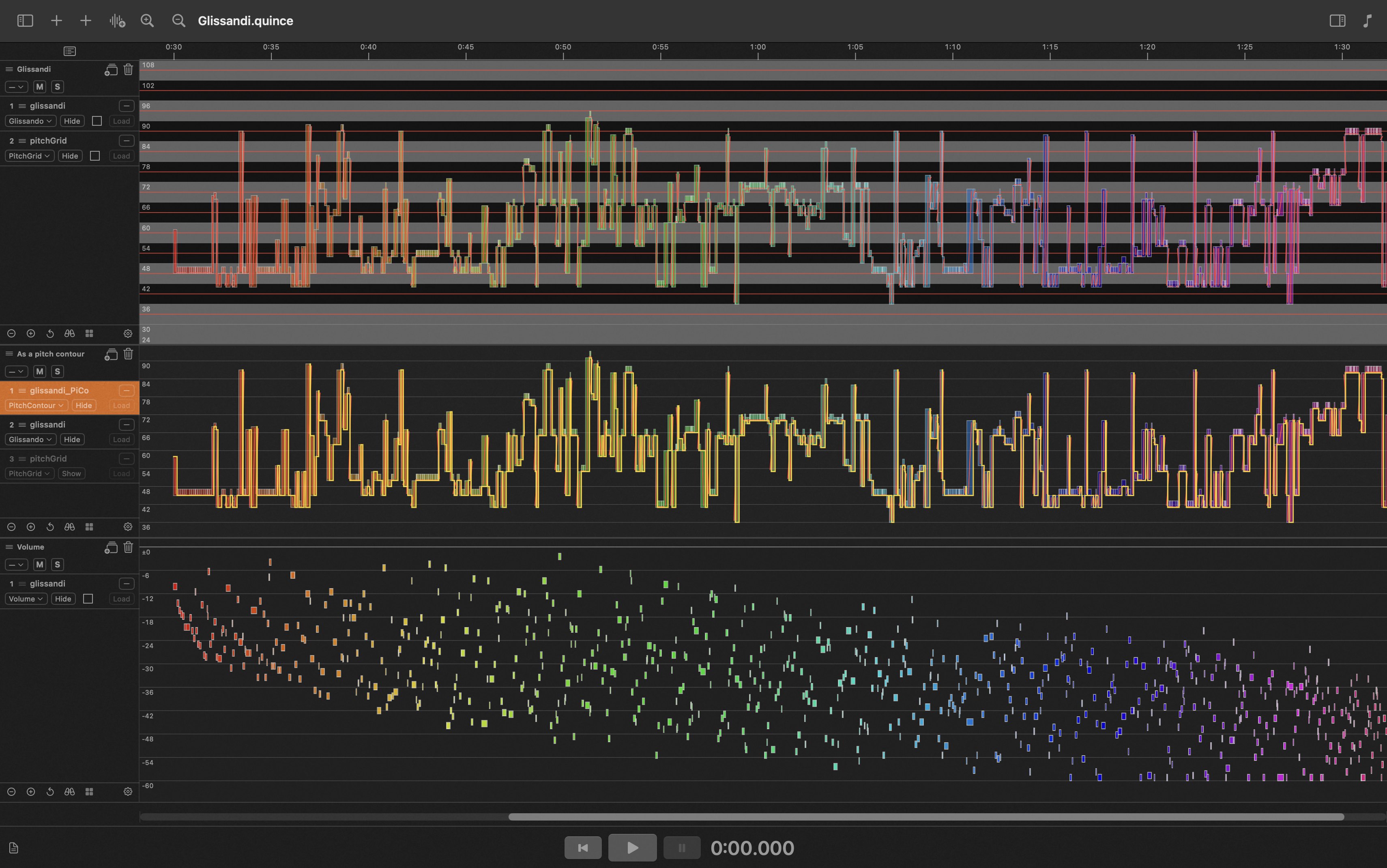
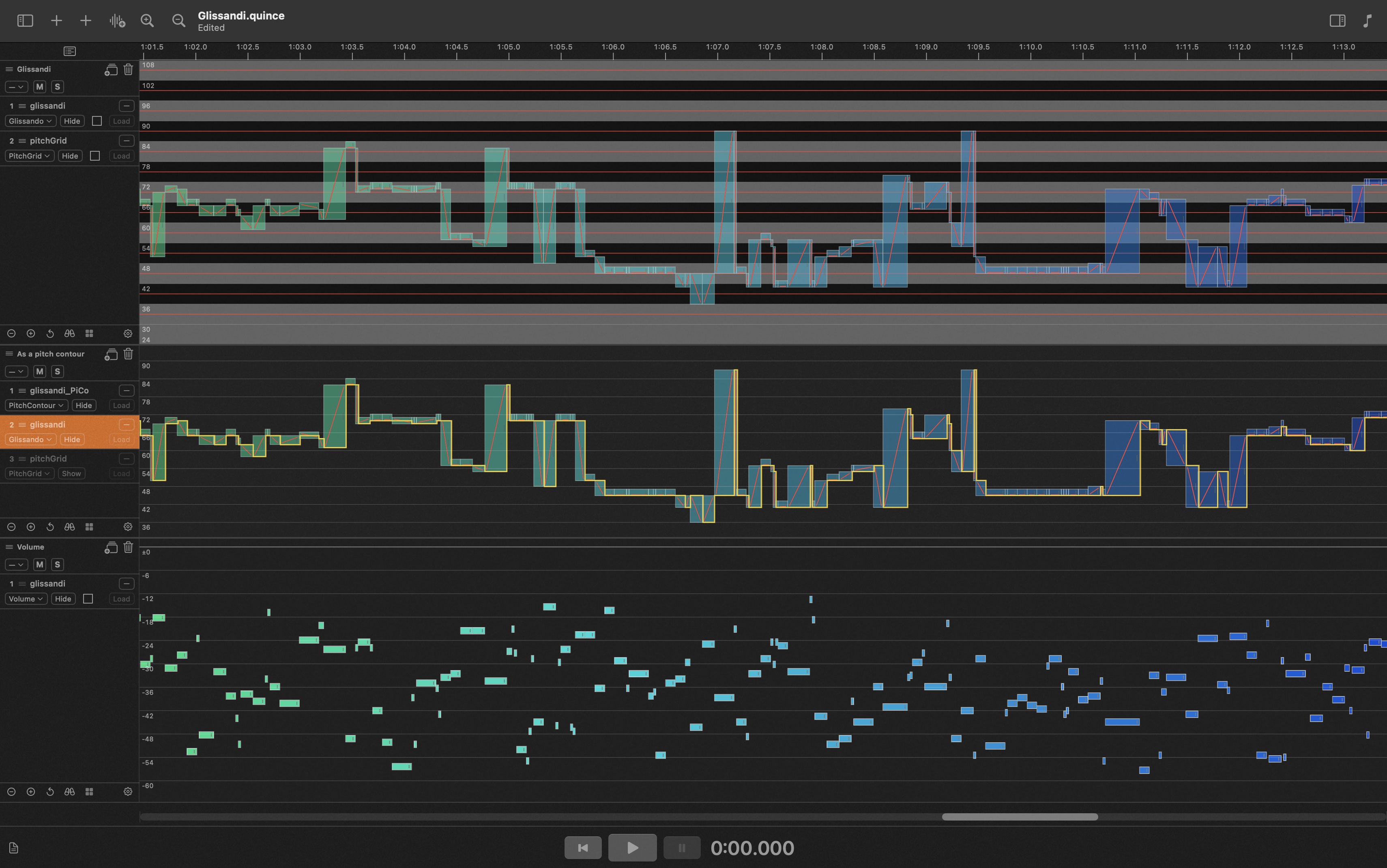
The biggest difference between Quince and a standard DAW is that Quince does not operate in the ‘tape recorder vs. mixing desk’ paradigm. In Quince there are no channels in which audio data is arranged, and there is also no need for a mixer. Instead, Quince presents its contents in display strips, each of which can contain any number of layers of data.
If what you need is a convenient way to arrange and mix sound, there are excellent tools for exactly that, and Quince is not competing with them at all. Quince exists for tasks a standard DAW doesn’t handle, or doesn’t handle easily — (non-automatic) transcription, analysis, generative structure, flexible control of many different things at once, things a little off the beaten path.
And there is another important aspect, too: any piece of software for artistic work will eventually fall short of what you need, and when that happens, adding the missing piece yourself should be genuinely easy rather than a project in its own right. Quince offers several ways of adapting it to your own needs.